Brand Guidelines
The VOXYFI identity
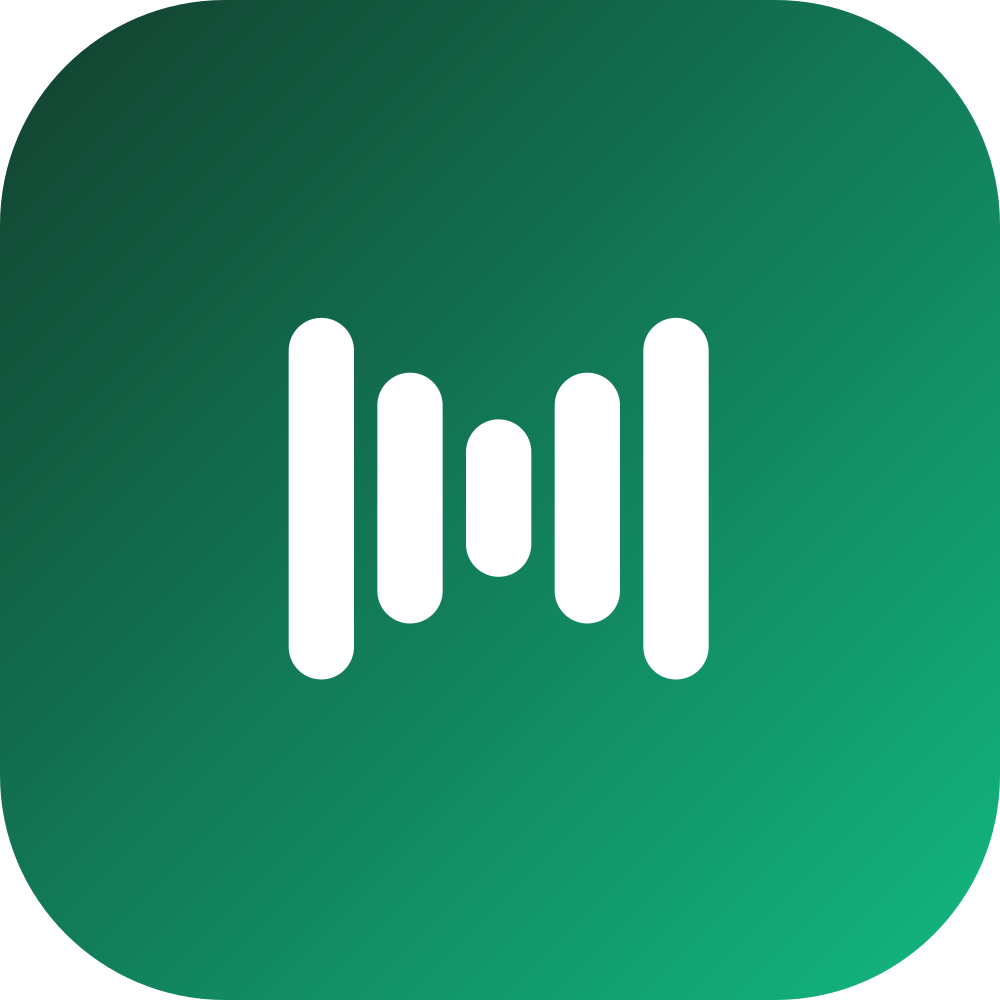
A calm, premium system built around a single idea: turning reading into listening. Two nested chevrons that form a V with forward motion, a signature deep-green-to-emerald gradient, and clean Geist typography.
Logo
The mark & lockup
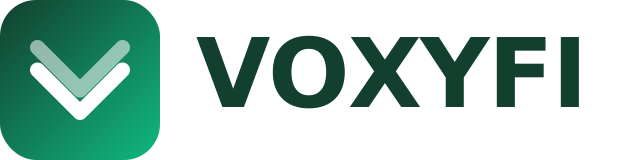
The lockup is the primary signature. The mark can stand alone in tight spaces. Always keep clear space around it equal to the chevron's stroke width, and never recolor or distort the glyph.
Animated mark
The nested chevrons bob in a staggered wave for loading and playback states, then settle into the resting mark. Motion is pure CSS and automatically stops for visitors who prefer reduced motion.
Color
A two-tone green system
Deep hunter green grounds the brand; emerald brings energy. The gradient between them is our signature. Warm cream neutrals and a single amber highlight round out the palette. Click any swatch to copy its value.
Typography
Geist, with a Lora accent
Geist is the voice of the product — used for all headings and body. Geist Mono handles code and numeric labels, and Lora adds an editorial touch for long-form reading moments.
Assets
Icons for every platform
One vector master, exported for iOS, Android, watchOS, the web, and the app stores. Download the individual assets below.


Social media downloads
Highest-quality Voice Chevron assets for profiles and posts — a 2048 px rounded avatar, transparent marks for light and dark backgrounds, and a 2400 px share banner.

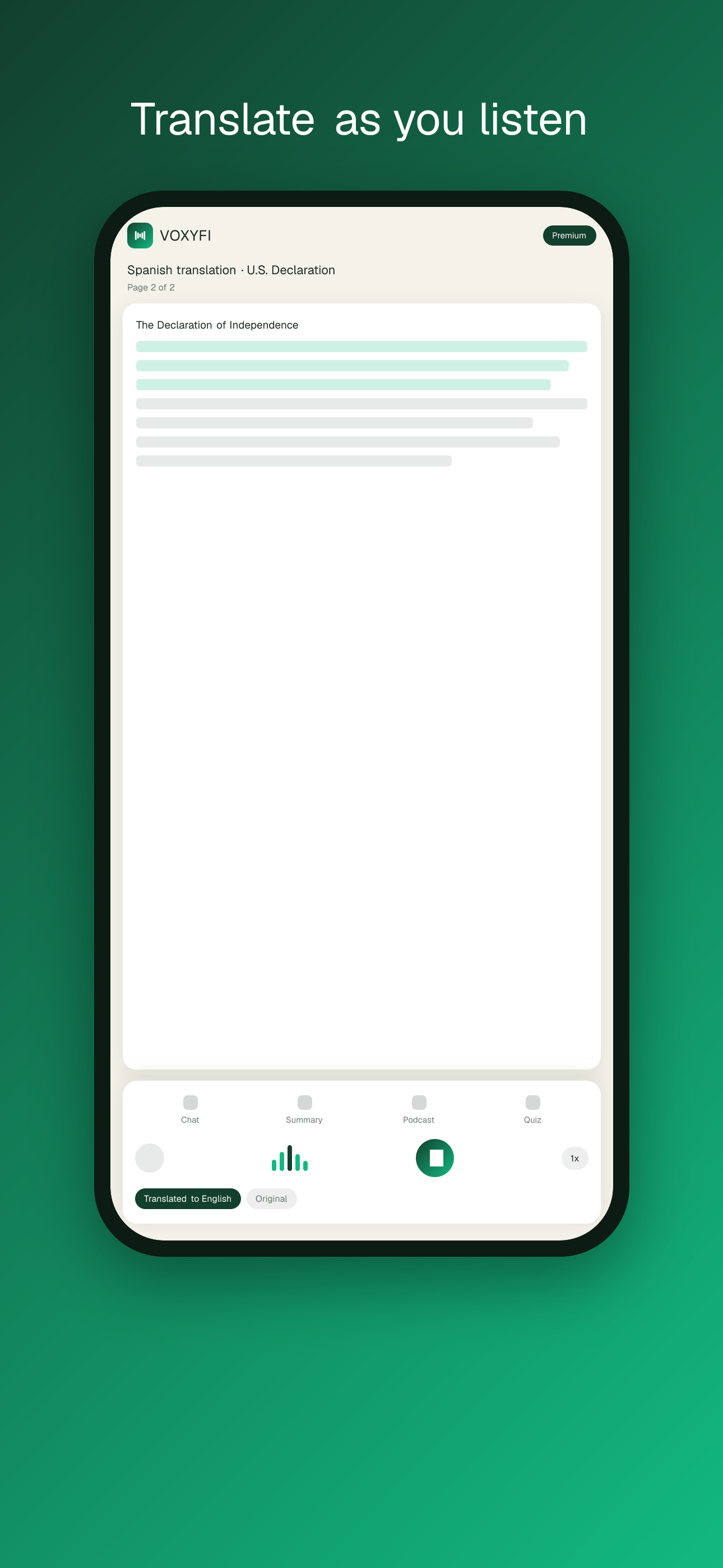
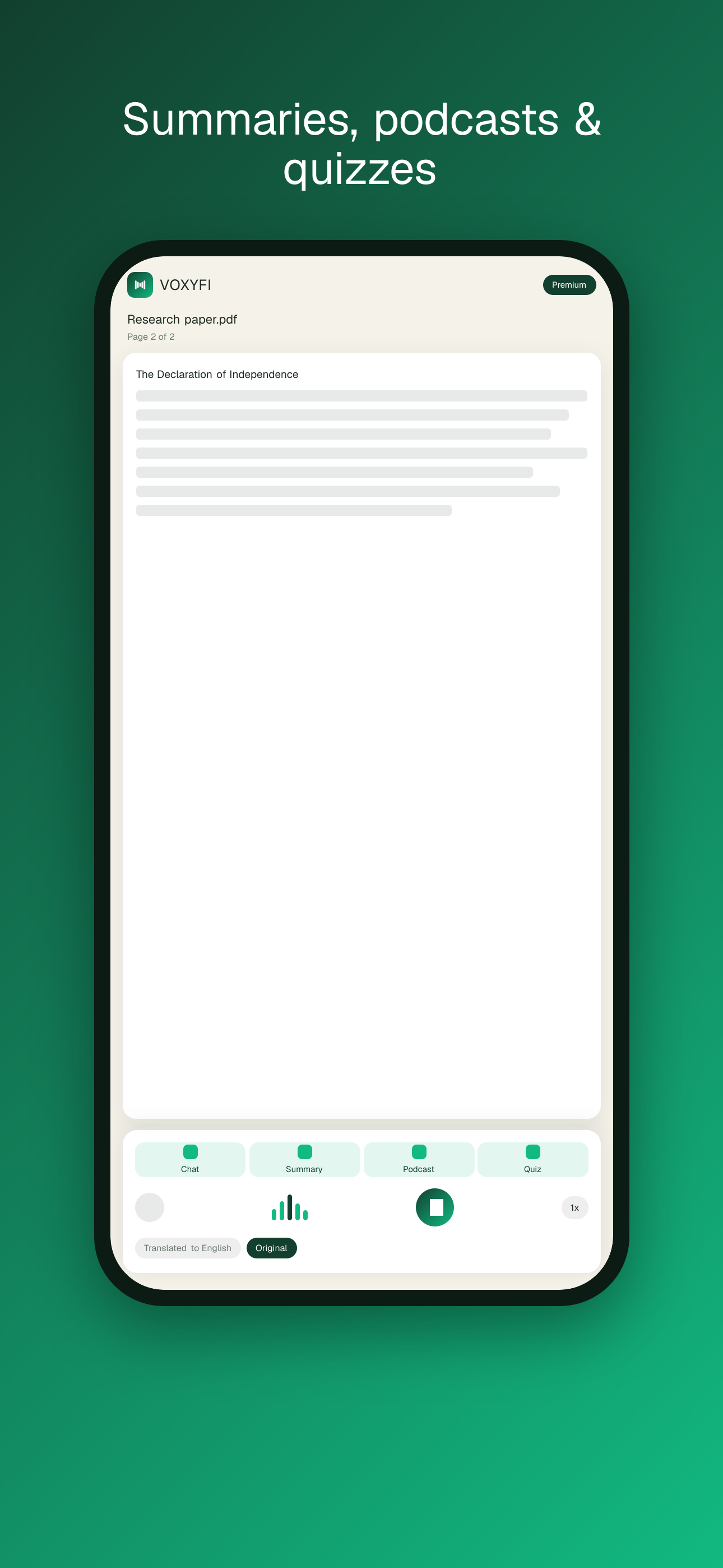
App Store & Play Store screenshots
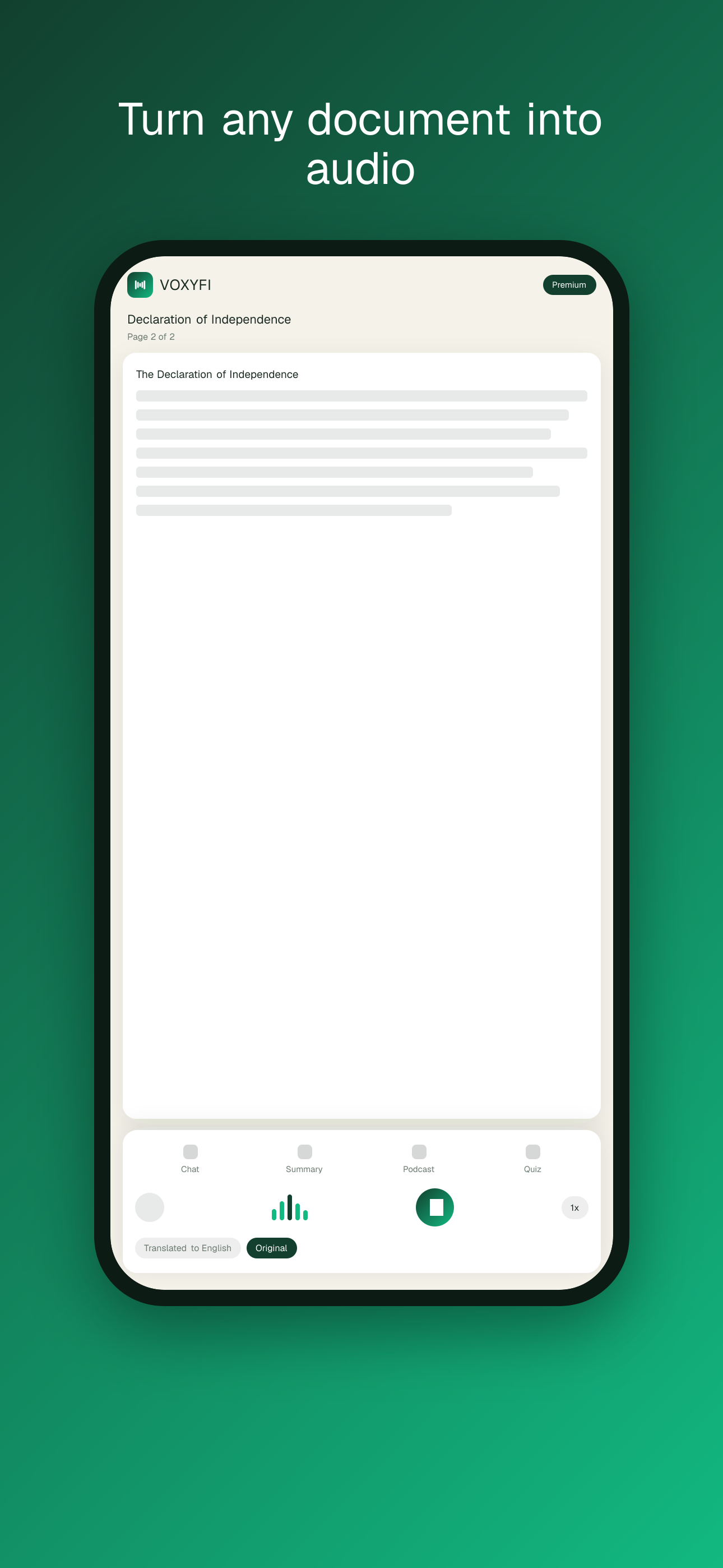
Store-ready marketing frames at native resolution (iOS 6.7″ · 1290×2796, Android · 1080×1920), localized for every launch market.
Email templates
Table-based, inline-styled HTML that renders across Gmail, Outlook and Apple Mail, in matching light and dark variants — each with a plain-text fallback (same copy and placeholders) for maximum deliverability. Swap the placeholders and paste into your ESP.




Dynamic share cards
Every document gets its own branded Open Graph image, rendered on the fly at /og. When a real first-page thumbnail exists it renders a two-column layout with the page preview, title and byline; otherwise it falls back to a centered branded card — no design work per share.

With first-page preview + byline
OpenPDF · Spanish · 1,200 words
OpenArticle · English · 640 words
OpenCopy embed
Compose a card, preview it live, and copy a ready-to-paste snippet — Open Graph meta tags, an <img> tag, Markdown, or the raw URL — in one click.
Setup & automation
Imports, sync & scheduled jobs
How cloud imports, automatic thumbnail generation, and delta-sync are wired — and the environment variables that switch each piece on. Every feature degrades gracefully: nothing here is required for the core app to run.
Cloud import providers
Each provider needs one public key from its developer console. Until the key is set, the provider stays visible in the Add sheet with a “Set up” hint instead of being clickable — so it turns on automatically the moment the key is added, with no code change.
How delta-sync works
- On import, every cloud document records its origin — provider, file id, and a change token (Drive
modifiedTime, OneDrive eTag, Dropbox rev). - When you reopen the Google Drive picker, VOXYFI silently compares your tracked files against their live revisions and re-imports any that changed — refreshing text and cover in place, no duplicates. This reuses the token you just granted, so it needs no extra consent.
- Token-gated providers (Drive/OneDrive/Dropbox) can only be re-fetched with a live user token, so the actual re-import runs client-side on your next connect — never from a stored credential.
Scheduled jobs (Vercel Cron)
Two daily crons keep everything consistent. Both are secured by CRON_SECRET (sent as a Bearer token) and emit a structured JSON summary to the logs and Vercel cron dashboard for monitoring.